
Description
Product Overview
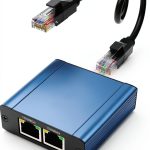
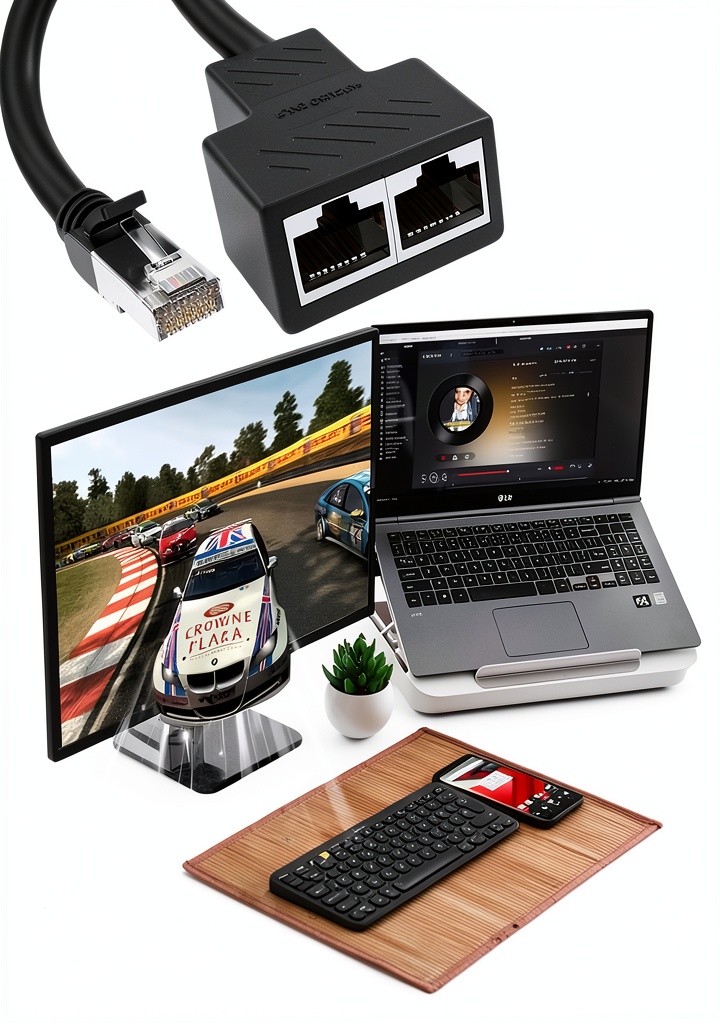
The MVBOONE RJ45 Ethernet Splitter is engineered to provide a simple, reliable way to expand a single Ethernet outlet into two usable RJ45 sockets. Designed for users who need to connect a computer, printer, or other network‑enabled device without installing additional hardware, this splitter offers a cost‑effective alternative to a full‑size router or switch. Its compact form factor measures just 6.89 x 4.06 x 0.91 inches and weighs only 1.76 ounces, making it easy to carry in a laptop bag or keep on a crowded desk.
![[Product front view showing all components]](https://www.smartareas.store/wp-content/uploads/2026/06/16e5b4ac817d48579227bf2cfa04e89d.jpg)
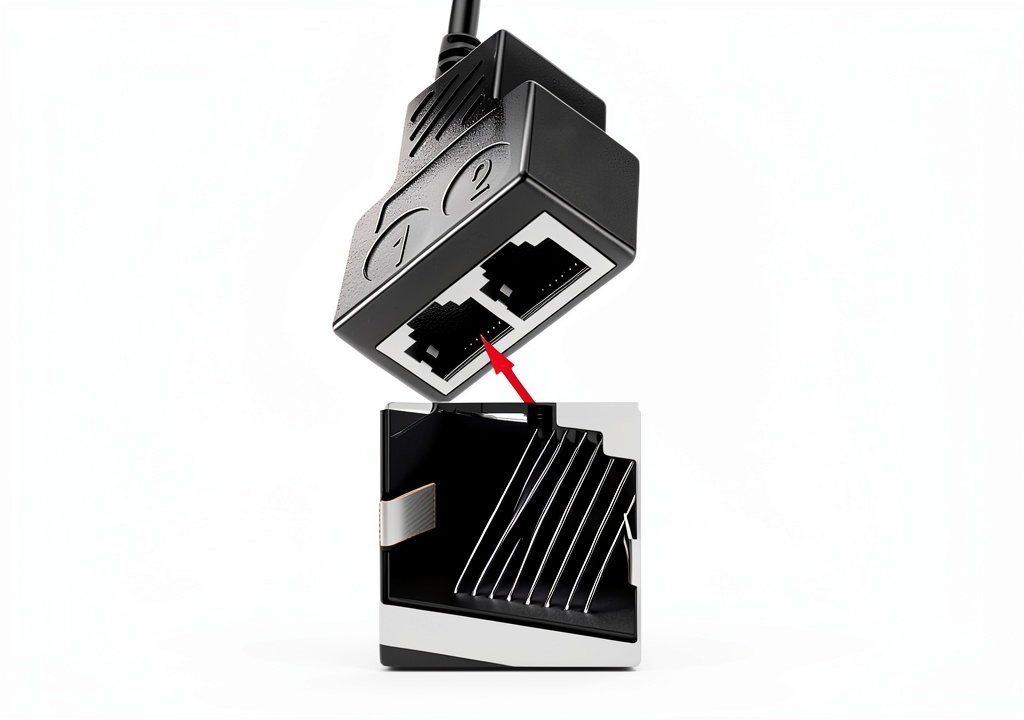
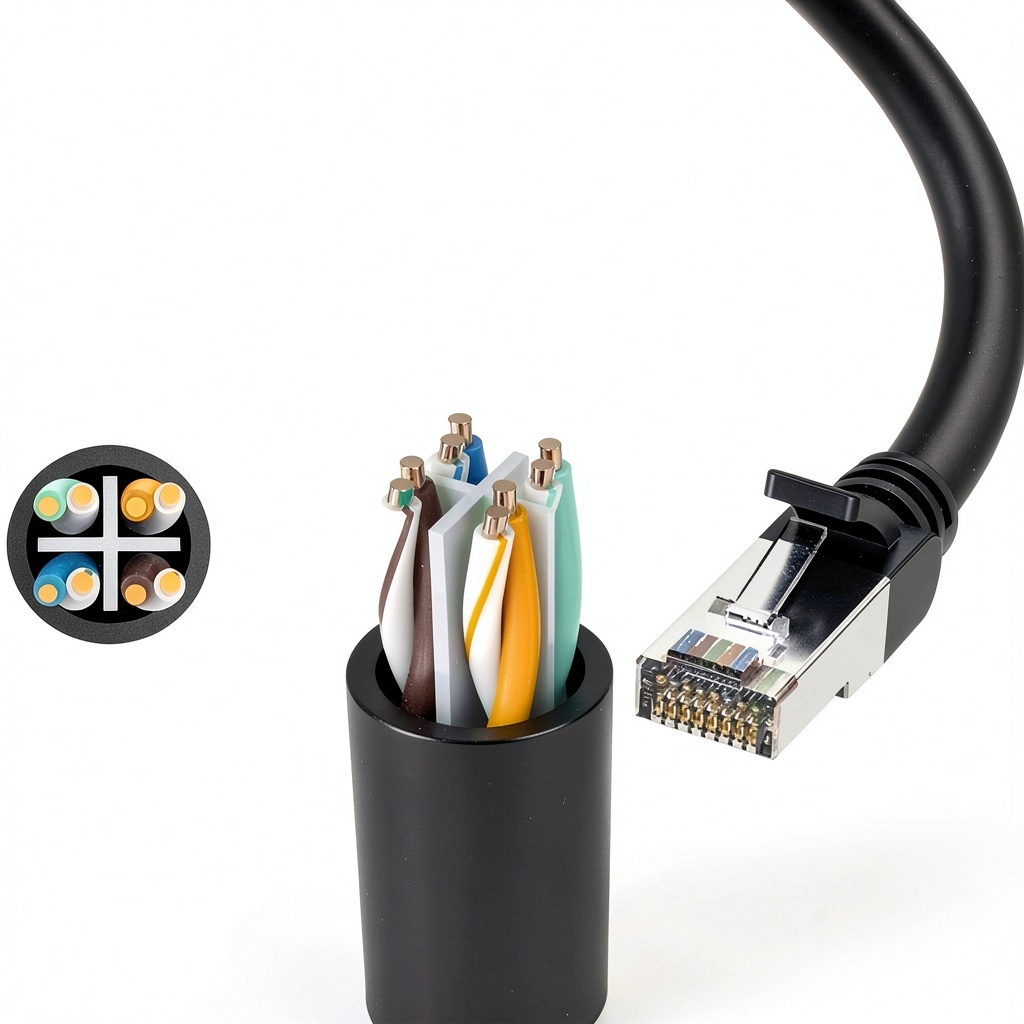
The core of the splitter features a pure copper, gold‑plated eight‑core needle that delivers excellent conductivity and minimizes signal loss. Each contact is embedded in a 2 mm thick PCB board, which protects the circuitry from mechanical stress and electromagnetic interference. This construction not only prolongs the service life but also maintains stable data rates even in environments with high electrical noise.
Compatibility is broad: the splitter works with Cat5, Cat5e, Cat6, and Cat7 cables, ensuring that it can be used with existing home or office wiring. The device is rated for high‑speed DSL, cable modem, and Ethernet connections up to 100 Mbps, making it suitable for streaming, online gaming, and large file transfers. The RJ45 female ports are shielded to further reduce external interference, preserving the integrity of the transmitted data.
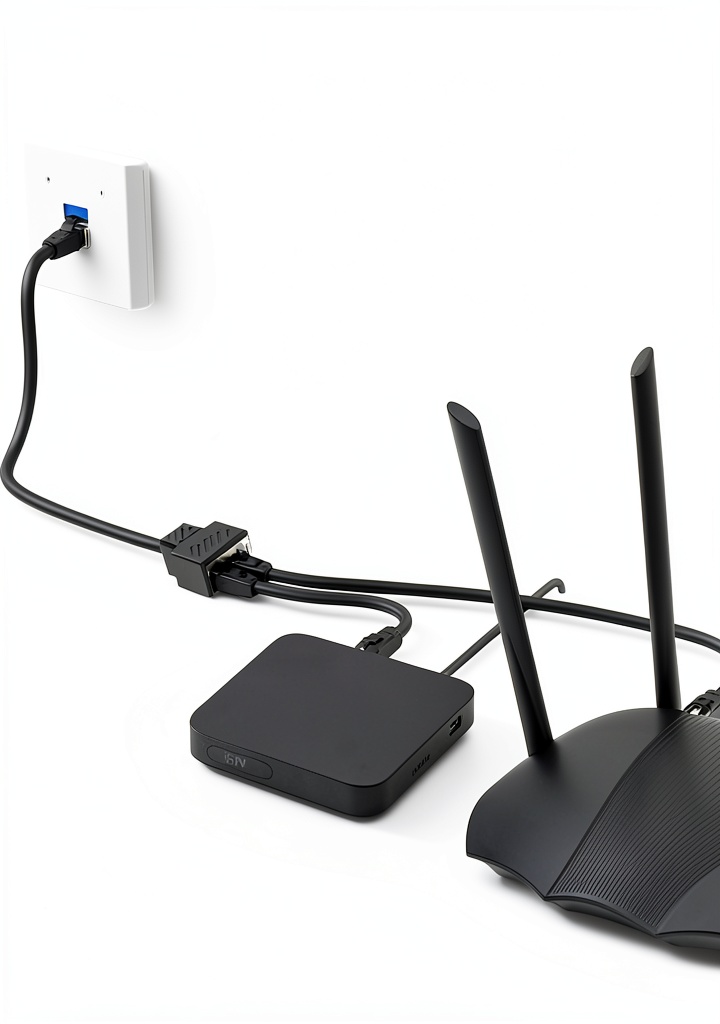
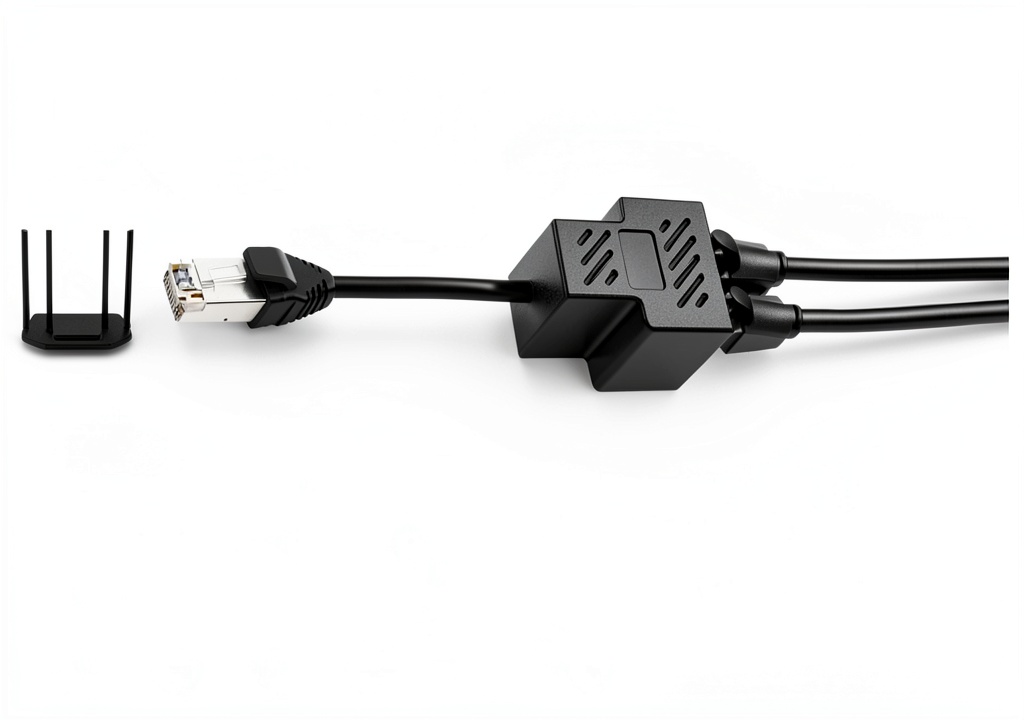
Installation requires no tools or technical expertise. Simply unplug the existing Ethernet cable from the wall or router, plug it into the splitter’s input port, and then connect your device to one of the two output sockets. The design includes a clear labeling system that helps users identify the active port, preventing accidental mis‑connections. Because the splitter supports only one active device at a time, it avoids the bandwidth contention that can occur with cheap, unmanaged hubs.
Performance testing conducted by MVBOONE shows consistent latency and packet loss rates comparable to a direct connection. The gold‑plated contacts and robust PCB architecture work together to deliver a stable, low‑error link, which is especially important for latency‑sensitive applications such as video conferencing and cloud‑based collaboration tools.
Usage
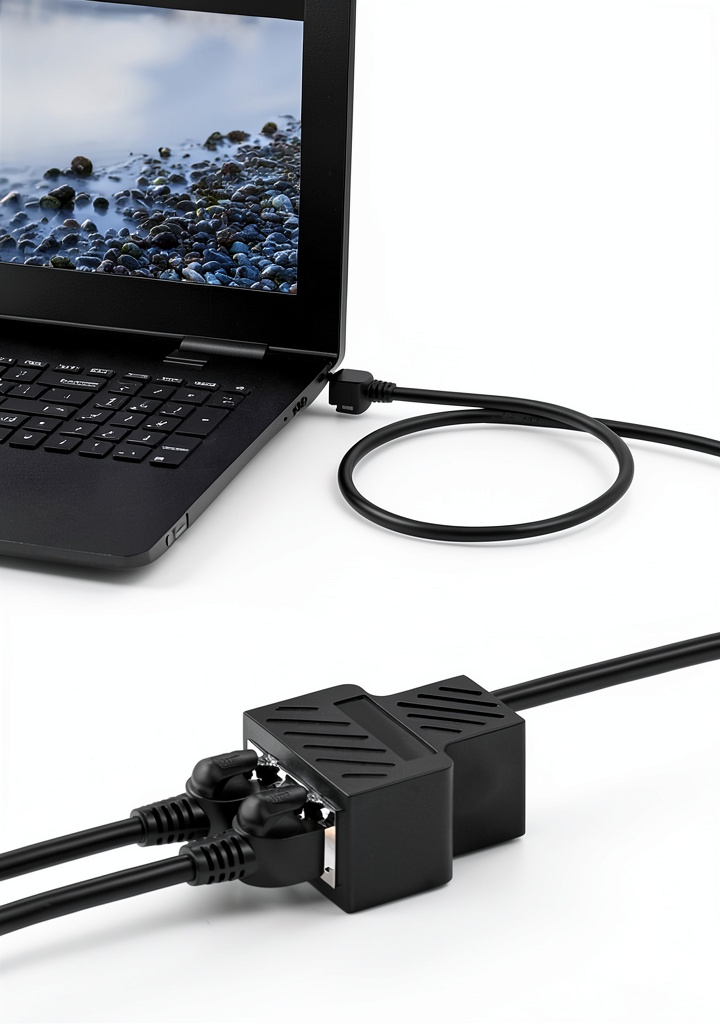
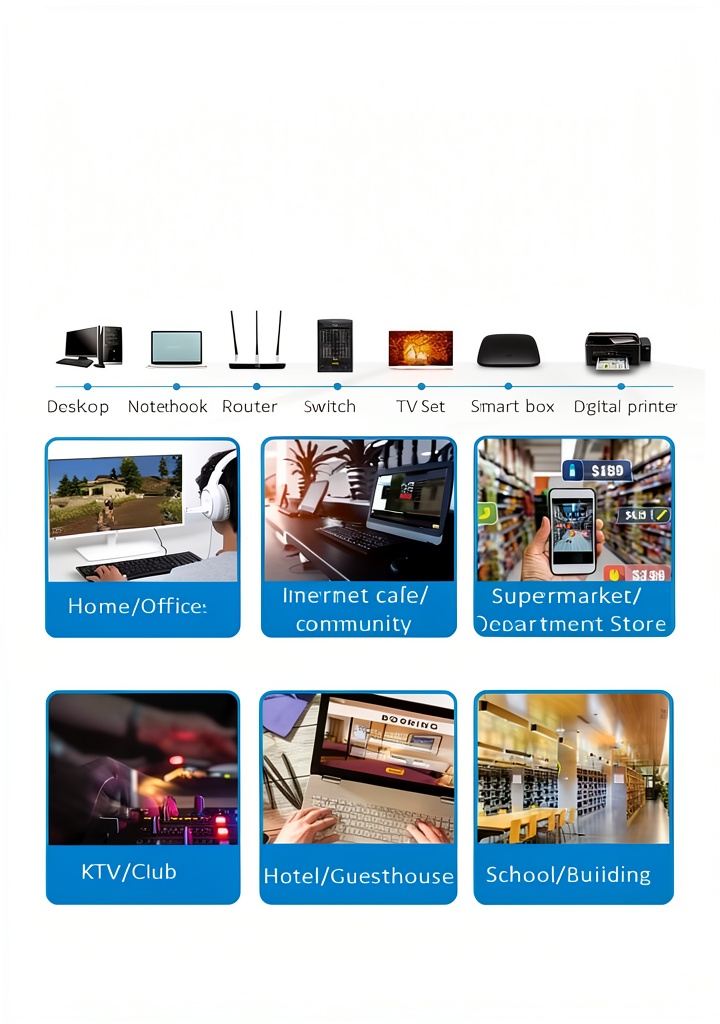
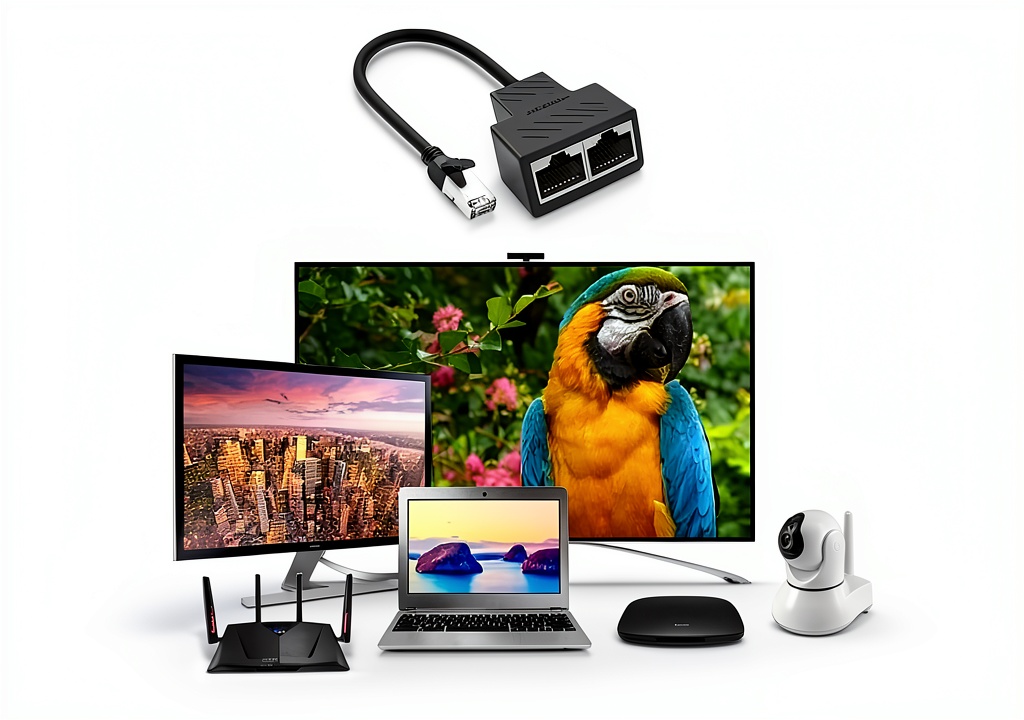
In a home office setting, the splitter allows a laptop to share a single Ethernet line with a desktop computer or a network printer, eliminating the need for a separate router port. Users can keep their workstations tidy by routing both devices through the same cable, reducing clutter and simplifying cable management. This is particularly valuable in small apartments where space is at a premium and multiple devices need reliable wired connectivity.
Small businesses that operate in co‑working spaces often encounter limited Ethernet outlets. The MVBOONE splitter enables a single outlet to serve a point‑of‑sale terminal and a back‑office computer simultaneously, ensuring that both systems maintain a secure, wired connection without relying on Wi‑Fi, which can be less stable in crowded environments.
Travelers and remote workers staying in hotels or temporary accommodations can also benefit from the splitter. Many hotel rooms provide only one Ethernet jack, but a user may need to connect both a laptop and a network‑enabled tablet. By inserting the splitter, both devices can enjoy the same high‑speed wired access, improving productivity and reducing the risk of dropped connections during critical work periods.
Why Choose Us
MVBOONE follows a rigorous quality‑control process that includes automated testing of each unit for continuity, resistance, and signal integrity. Every splitter is inspected for solder joint quality and shield continuity before it leaves the factory, ensuring that customers receive a product that meets the advertised specifications. The company’s commitment to durability is reflected in the use of a thick PCB substrate and corrosion‑resistant gold plating, which together protect the device from wear and environmental factors.
Customer support is a cornerstone of the MVBOONE brand. Buyers receive a 12‑month limited warranty that covers manufacturing defects, and a dedicated support team is available via email and phone to assist with installation questions or troubleshooting. The company also provides detailed online resources, including wiring diagrams and FAQs, to help users get the most out of their splitter without needing professional assistance.
MVBOONE has built a reputation in the networking accessories market for delivering reliable, cost‑effective solutions. The RJ45 Ethernet Splitter is ranked #12 in the Laptop Network Adapters category on major e‑commerce platforms, reflecting strong sales performance and positive customer feedback. With an average rating of 3.9 stars from over 500 reviews, users consistently praise the product’s solid construction and straightforward functionality.
Key Features
- Gold‑plated copper contacts provide superior conductivity and reduce signal loss.
- Durable 2 mm PCB board protects against mechanical stress and electromagnetic interference.
- Broad compatibility with Cat5, Cat5e, Cat6, and Cat7 cables for versatile use.
- Compact, lightweight design fits easily into any workspace or travel bag.
- 12‑month warranty and responsive customer support for peace of mind.
FAQ
Can I connect two computers to the splitter at the same time?
No. The splitter is designed to allow only one device to be active at a time. Connecting two devices simultaneously would cause network conflicts and reduce performance.
Will the splitter affect my internet speed?
The splitter maintains the full bandwidth of the original Ethernet line for the active device. Because it does not contain active electronics, there is no noticeable speed reduction when a single device is connected.
Is the splitter compatible with gigabit Ethernet?
The unit is rated for up to 100 Mbps connections, which covers most DSL and cable modem speeds. For true gigabit (1000 Mbps) networks, a dedicated switch or router is recommended.
What warranty does MVBOONE provide?
MVBOONE offers a 12‑month limited warranty that covers any manufacturing defects. If you encounter an issue, contact the support team for a replacement or repair.
How do I install the splitter?
Installation is tool‑free: unplug your existing Ethernet cable, plug it into the splitter’s input port, then connect your device to one of the two output sockets. Ensure only one device is active to avoid network conflicts.
Reviews
There are no reviews yet.